


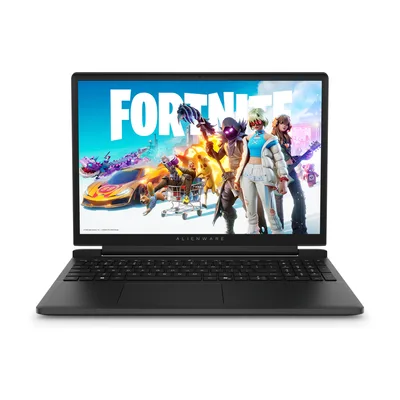
- Processor
- Intel Core 7 240H
- Memory
- 16 GB
- Storage
- 512 GB
- Screen
- 15.3"
Best Laptops for Engineering Students
Windows laptops with a dedicated graphics card and at least 16 GB of memory: the baseline for SolidWorks, AutoCAD, Revit and MATLAB, which mostly run on Windows only.
We earn a commission from qualifying Amazon purchases made through our links, at no extra cost to you. This never affects our specs. How we make money.
22 laptops
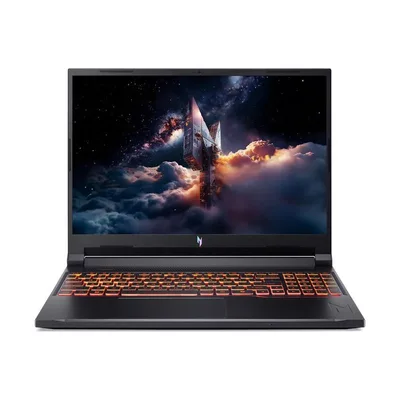
- Processor
- AMD Ryzen 7 260
- Memory
- 16 GB
- Storage
- 1 TB
- Screen
- 16"
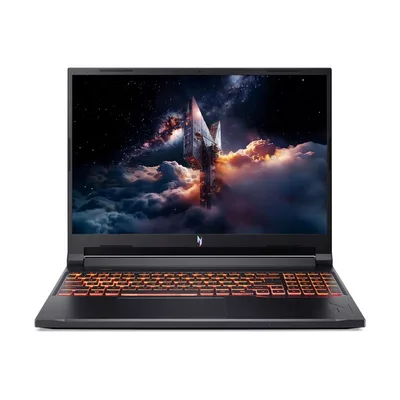
- Processor
- AMD Ryzen 5 240
- Memory
- 16 GB
- Storage
- 512 GB
- Screen
- 16"
- Processor
- Intel Core 7 240H
- Memory
- 16 GB
- Storage
- 512 GB
- Screen
- 16"
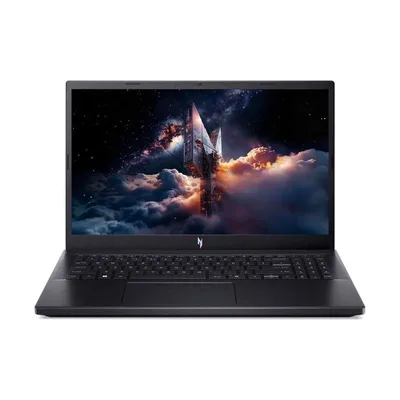
- Processor
- Intel Core i7-13620H
- Memory
- 16 GB
- Storage
- 1 TB
- Screen
- 15.6"
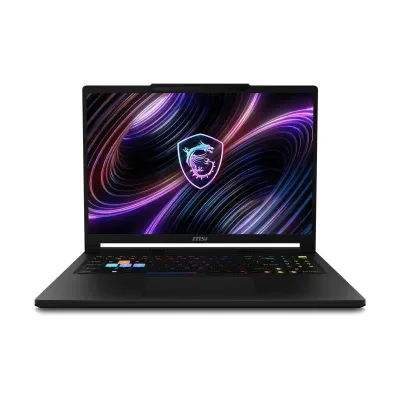
- Processor
- Intel Core Ultra 7 255HX
- Memory
- 16 GB
- Storage
- 1 TB
- Screen
- 16"
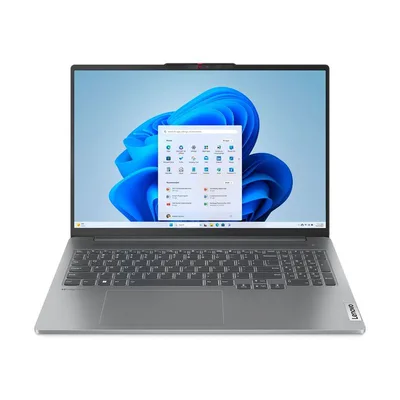
- Processor
- Intel Core Ultra 7 155H
- Memory
- 16 GB
- Storage
- 512 GB
- Screen
- 16"
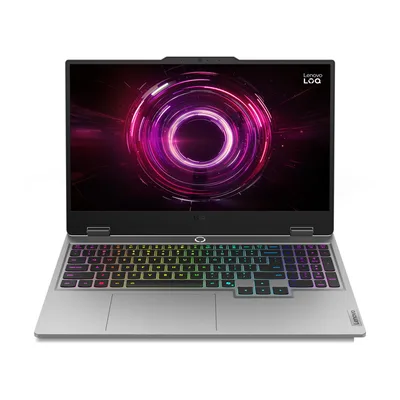
- Processor
- AMD Ryzen 5 220
- Memory
- 16 GB
- Storage
- 512 GB
- Screen
- 15.6"
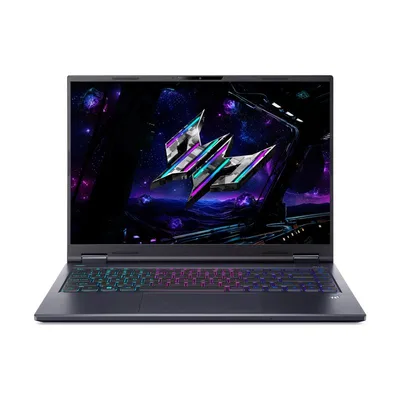
- Processor
- Intel Core Ultra 7 255H
- Memory
- 32 GB
- Storage
- 1 TB
- Screen
- 14.5"
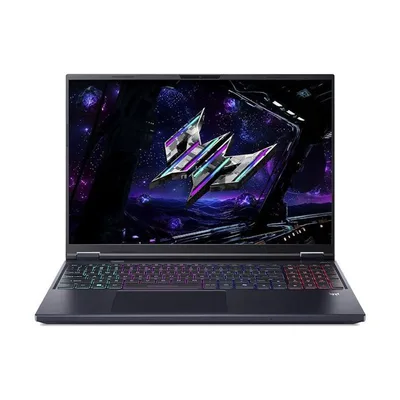
- Processor
- Intel Core Ultra 7 255HX
- Memory
- 16 GB
- Storage
- 1 TB
- Screen
- 16"
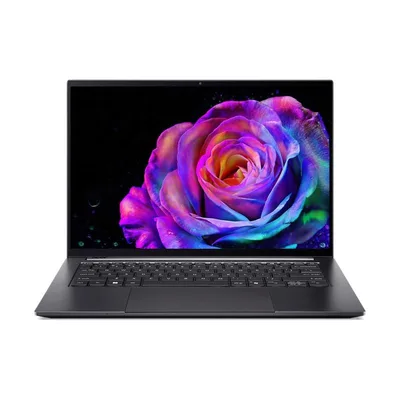
- Processor
- AMD Ryzen AI 7 350
- Memory
- 16 GB
- Storage
- 1 TB
- Screen
- 14.5"
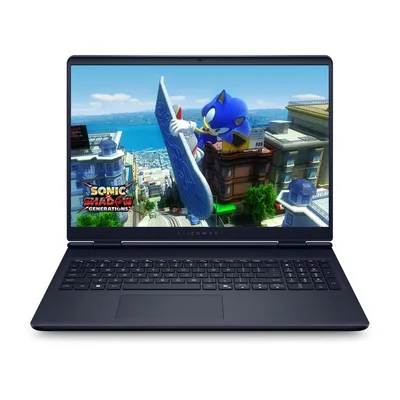
- Processor
- Intel Core 7 240H
- Memory
- 16 GB
- Storage
- 1 TB
- Screen
- 16"
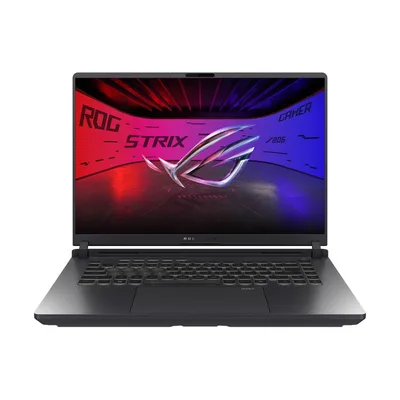
- Processor
- Intel Core i7-14650HX
- Memory
- 16 GB
- Storage
- 1 TB
- Screen
- 16"
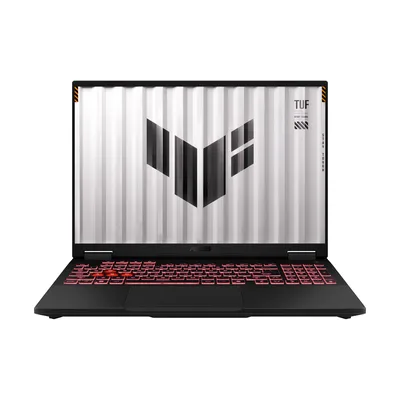
- Processor
- AMD Ryzen 7 260
- Memory
- 16 GB
- Storage
- 512 GB
- Screen
- 16"
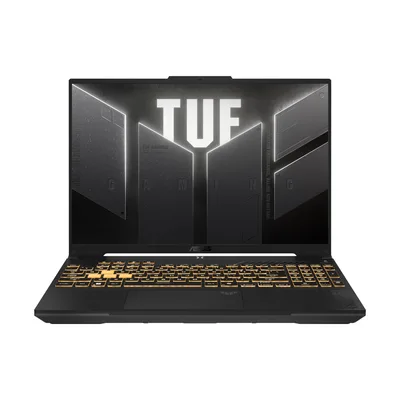
- Processor
- Intel Core 5 210H
- Memory
- 16 GB
- Storage
- 512 GB
- Screen
- 16"
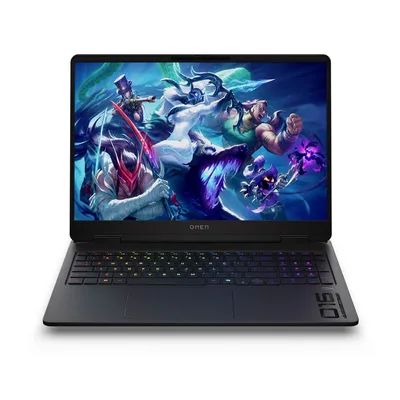
- Processor
- AMD Ryzen AI 7 350
- Memory
- 16 GB
- Storage
- 1 TB
- Screen
- 16"
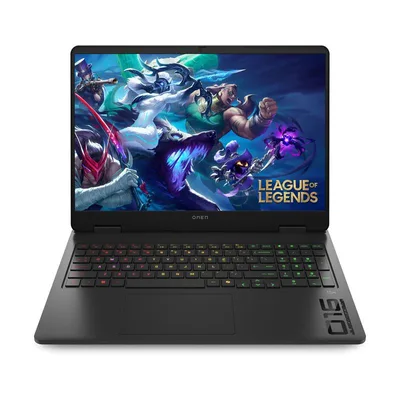
- Processor
- Intel Core Ultra 7 255H
- Memory
- 24 GB
- Storage
- 1 TB
- Screen
- 16"
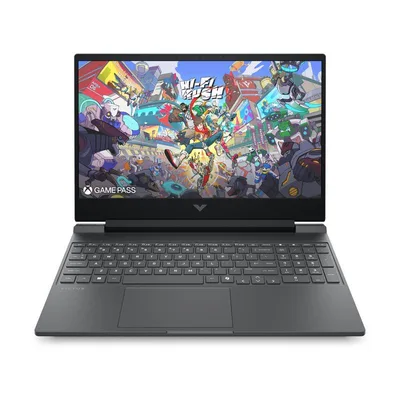
- Processor
- Intel Core 5 210H
- Memory
- 16 GB
- Storage
- 1 TB
- Screen
- 15.6"
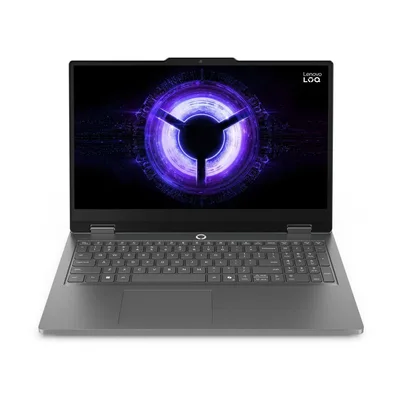
- Processor
- Intel Core i5-13450HX
- Memory
- 16 GB
- Storage
- 1 TB
- Screen
- 15.6"
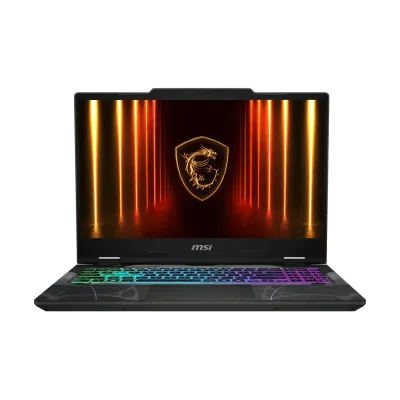
- Processor
- Intel Core 7 240H
- Memory
- 16 GB
- Storage
- 1 TB
- Screen
- 15.6"
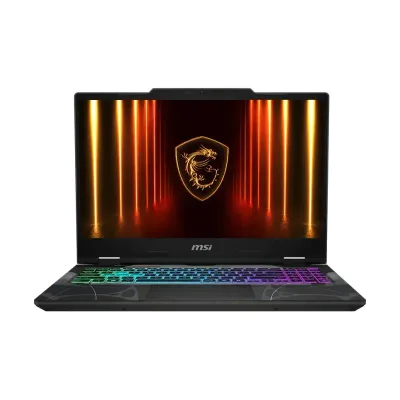
- Processor
- Intel Core 7 240H
- Memory
- 16 GB
- Storage
- 512 GB
- Screen
- 15.6"
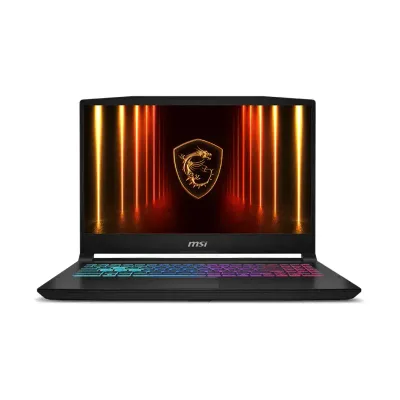
- Processor
- Intel Core i7-14650HX
- Memory
- 16 GB
- Storage
- 1 TB
- Screen
- 15.6"
Choosing a laptop for an engineering degree
Engineering and architecture degrees bring software most laptops struggle with: SolidWorks, AutoCAD, Revit, Fusion and MATLAB. Most of it is Windows-only, so every pick here runs Windows, has a dedicated graphics card and at least 16 GB of memory.
The graphics card keeps 3D models smooth to rotate and edit, and memory decides how big an assembly or simulation you can open. 32 GB is worth it for final-year projects.
Many good options are gaming laptops: they pack the same graphics cards as expensive workstations for less. The trade-off is weight and battery life, so check both if you’ll carry it daily.
For the software side, see our laptops for AutoCAD and CAD.
Frequently asked questions
Can I use a MacBook for engineering?
It's risky. SolidWorks, Revit, ANSYS and many other engineering tools only run on Windows. Check your course's software list before buying a Mac.
Do engineering students need a graphics card?
For 3D CAD and simulation, yes. A dedicated graphics card keeps models smooth to rotate and work on. Programming-heavy courses need it less.
Is a gaming laptop good for engineering?
Often, yes: gaming laptops have the graphics cards and cooling CAD needs, usually for less than workstation models. They're heavier, so check the weight.