


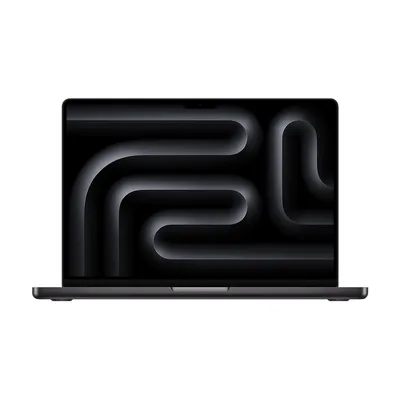
- Processor
- Apple M5 Pro
- Memory
- 24 GB
- Storage
- 1 TB
- Screen
- 14.2"
Best Laptops for Creators
Laptops with accurate, wide-colour screens and the power for editing. Compare the colour range and memory first.
We earn a commission from qualifying Amazon purchases made through our links, at no extra cost to you. This never affects our specs. How we make money.
12 laptops
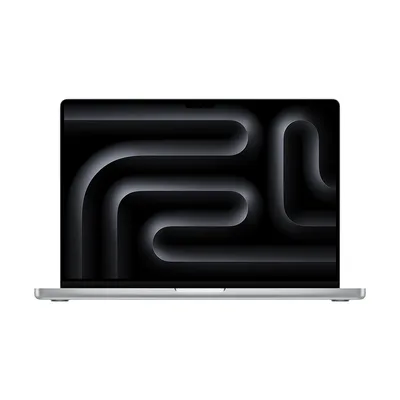
- Processor
- Apple M5 Pro
- Memory
- 24 GB
- Storage
- 1 TB
- Screen
- 16.2"
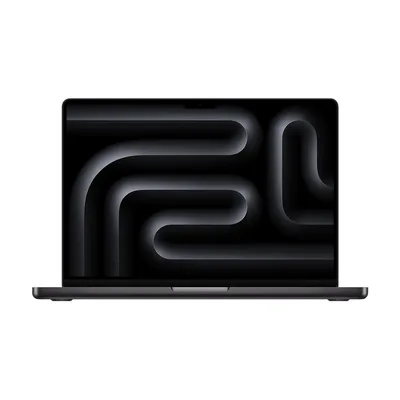
- Processor
- Apple M4 Pro
- Memory
- 24 GB
- Storage
- 512 GB
- Screen
- 14.2"
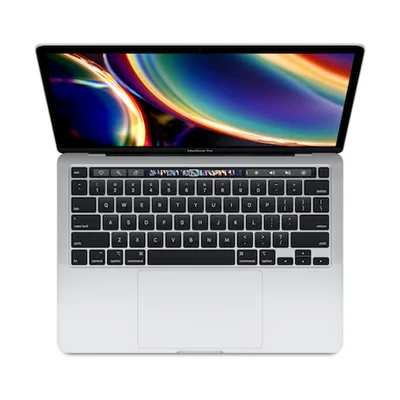
- Processor
- Intel Core i5-1038NG7
- Memory
- 16 GB
- Storage
- 512 GB
- Screen
- 13.3"
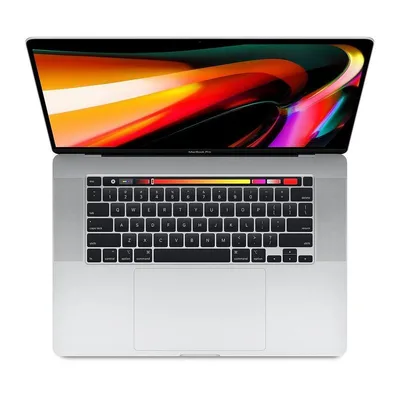
- Processor
- Intel Core i7-9750H
- Memory
- 16 GB
- Storage
- 512 GB
- Screen
- 16"
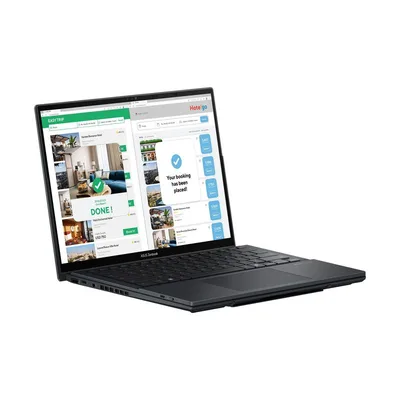
- Processor
- Intel Core Ultra 9 285H
- Memory
- 32 GB
- Storage
- 2 TB
- Screen
- 14"
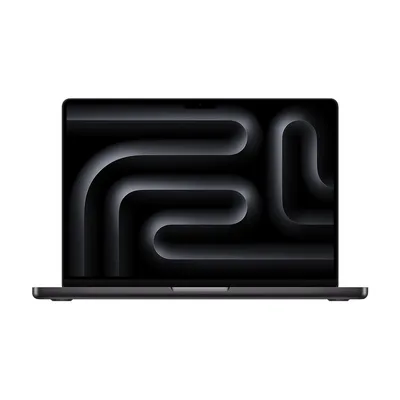
- Processor
- Apple M5
- Memory
- 32 GB
- Storage
- 1 TB
- Screen
- 14.2"
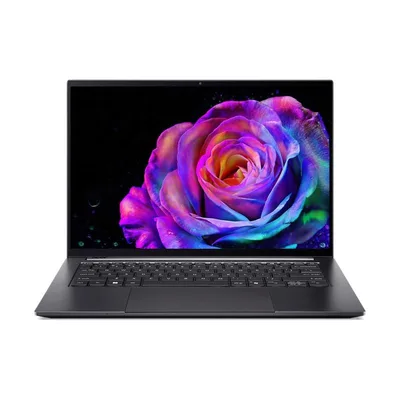
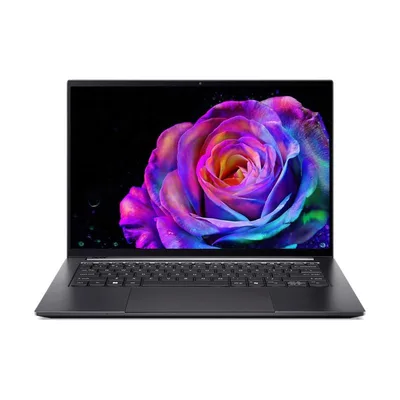
- Processor
- AMD Ryzen AI 7 350
- Memory
- 16 GB
- Storage
- 1 TB
- Screen
- 14.5"
- Processor
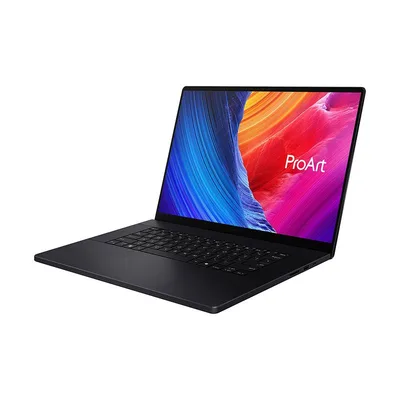
- AMD Ryzen AI 7 350
- Memory
- 32 GB
- Storage
- 1 TB
- Screen
- 14.5"
- Processor
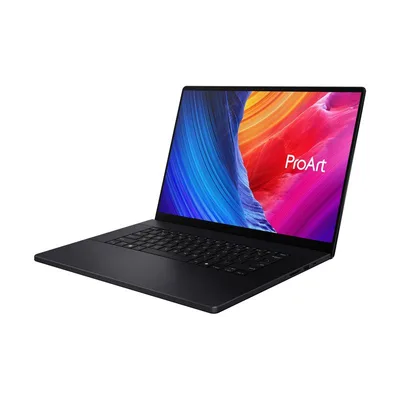
- AMD Ryzen AI 9 465
- Memory
- 16 GB
- Storage
- 1 TB
- Screen
- 16"
- Processor
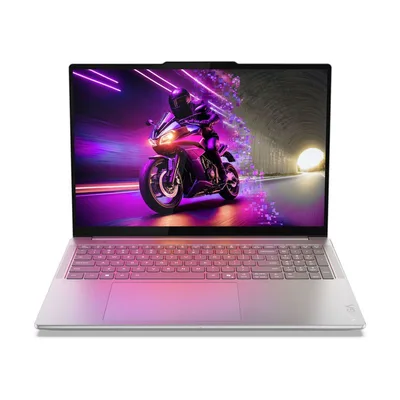
- AMD Ryzen AI 9 465
- Memory
- 16 GB
- Storage
- 1 TB
- Screen
- 16"
- Processor
- Intel Core Ultra 9 285H
- Memory
- 32 GB
- Storage
- 1 TB
- Screen
- 16"
Choosing a laptop for creative work
Creator laptops are built for photo editing, video, design and music: accurate wide-colour screens, strong processors and enough memory for big files. Their makers often calibrate the screen at the factory.
For photo and design work, the screen comes first: compare the colour range (sRGB, DCI-P3 or Adobe RGB coverage), resolution and brightness. For video and 3D, the graphics card and memory matter most. For music production, a quiet laptop with plenty of memory and low-latency audio matters more than graphics.
Check the ports, too: an SD card reader saves time for photographers, and Thunderbolt helps with fast drives and colour-accurate monitors.
Frequently asked questions
What is a good screen for photo editing?
Look for full coverage of sRGB at least, and DCI-P3 or Adobe RGB if you print or edit professionally. A sharp, bright screen with a matte or anti-reflective finish helps too.
Is a MacBook or Windows laptop better for creative work?
Both work well. MacBooks have excellent screens and battery life; Windows creator laptops offer more choice of graphics cards, touchscreens and pens.
How much RAM do creative apps need?
16 GB is the minimum for Photoshop and Lightroom. 32 GB or more helps with large files, video and 3D.
Is an OLED screen good for editing?
Yes for colour and contrast. Check the screen is factory calibrated, and keep an eye on brightness if you work near a window.