


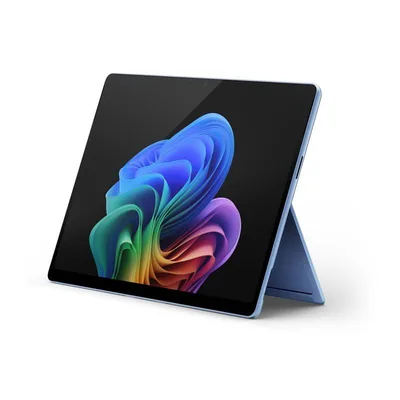
- Processor
- Snapdragon X Plus
- Memory
- 16 GB
- Storage
- 256 GB
- Screen
- 13"
Best Laptops for University
Windows laptops and MacBooks under 1.6 kg with at least 16 GB of memory and 10 hours of claimed battery: enough for lectures, coursework and three years of use.
We earn a commission from qualifying Amazon purchases made through our links, at no extra cost to you. This never affects our specs. How we make money.
30 laptops
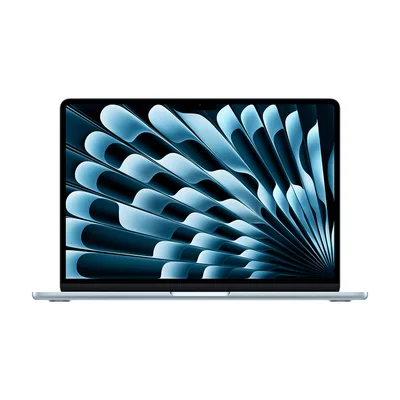
- Processor
- Apple M5
- Memory
- 16 GB
- Storage
- 512 GB
- Screen
- 13.6"
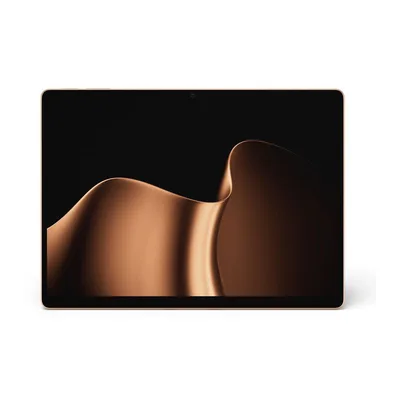
- Processor
- Snapdragon X2 Elite
- Memory
- 16 GB
- Storage
- 1 TB
- Screen
- 13"
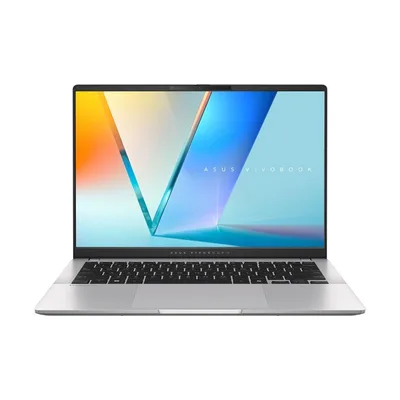
- Processor
- Intel Core Ultra 5 226V
- Memory
- 16 GB
- Storage
- 512 GB
- Screen
- 14"
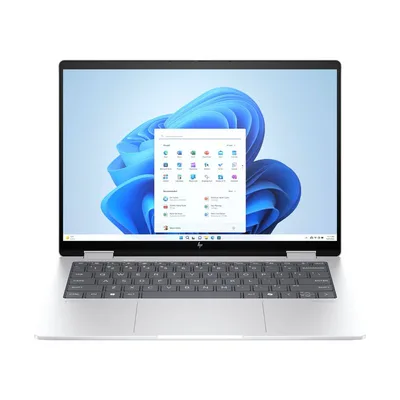
- Processor
- AMD Ryzen 7 8840HS
- Memory
- 16 GB
- Storage
- 1 TB
- Screen
- 14"
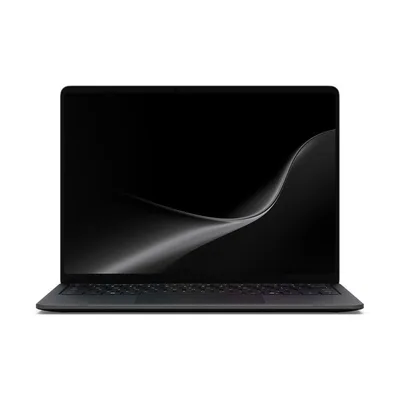
- Processor
- Snapdragon X2 Plus
- Memory
- 16 GB
- Storage
- 512 GB
- Screen
- 13.8"
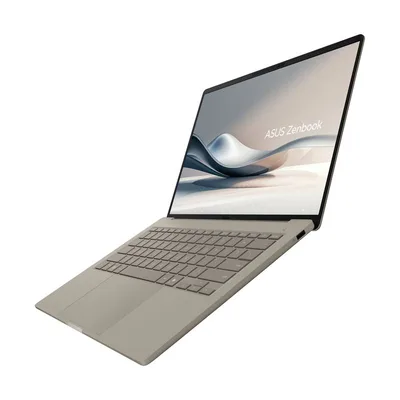
- Processor
- Snapdragon X
- Memory
- 16 GB
- Storage
- 1 TB
- Screen
- 14"
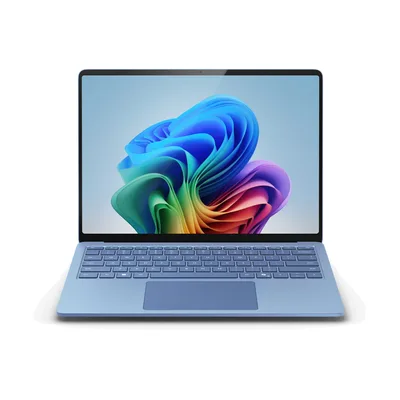
- Processor
- Snapdragon X Plus
- Memory
- 16 GB
- Storage
- 512 GB
- Screen
- 13.8"
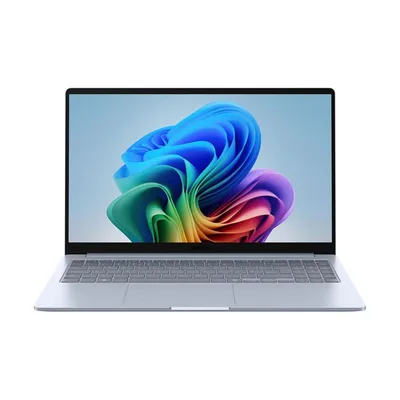
- Processor
- Snapdragon X
- Memory
- 16 GB
- Storage
- 1 TB
- Screen
- 15.6"
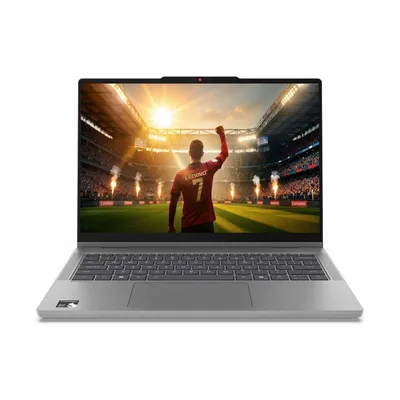
- Processor
- Snapdragon X2 Plus
- Memory
- 16 GB
- Storage
- 512 GB
- Screen
- 14"
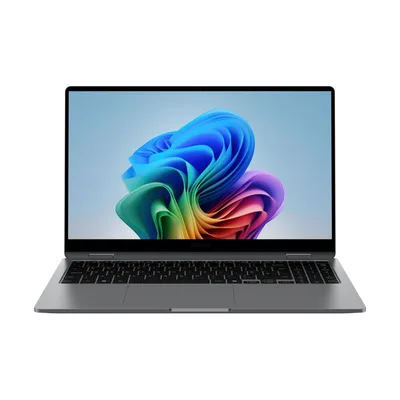
- Processor
- Intel Core Ultra 5 226V
- Memory
- 16 GB
- Storage
- 512 GB
- Screen
- 15.6"
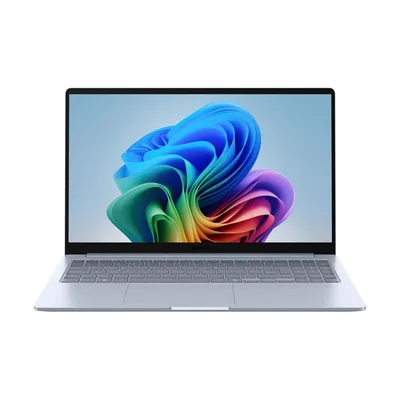
- Processor
- Snapdragon X
- Memory
- 16 GB
- Storage
- 512 GB
- Screen
- 15.6"
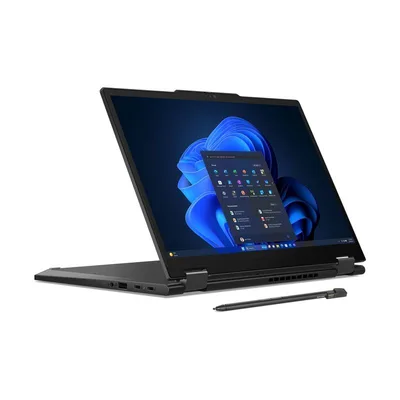
- Processor
- Intel Core Ultra 5 125U
- Memory
- 16 GB
- Storage
- 256 GB
- Screen
- 13.3"
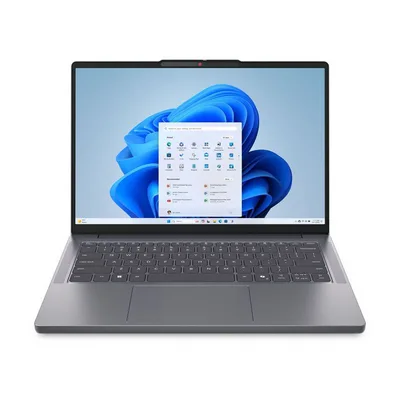
- Processor
- AMD Ryzen 7 170
- Memory
- 16 GB
- Storage
- 512 GB
- Screen
- 14"
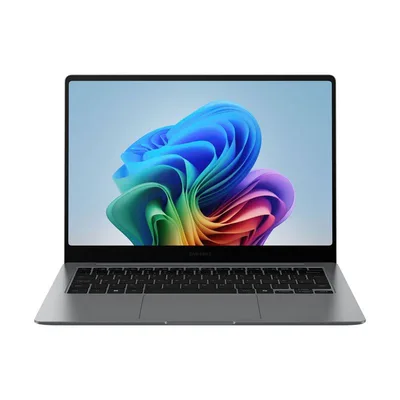
- Processor
- Intel Core Ultra 5 226V
- Memory
- 16 GB
- Storage
- 256 GB
- Screen
- 14"
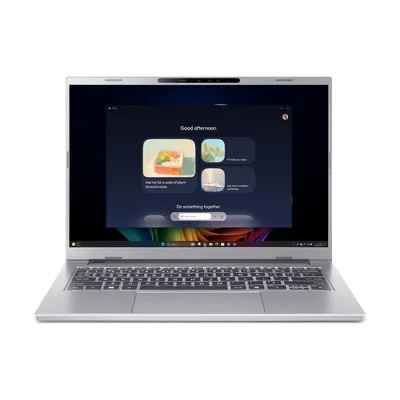
- Processor
- AMD Ryzen AI 5 340
- Memory
- 16 GB
- Storage
- 512 GB
- Screen
- 14"
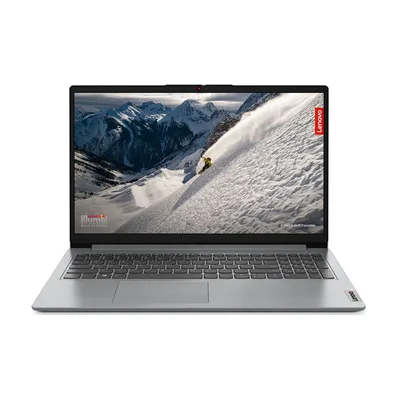
- Processor
- AMD Ryzen 5 7520U
- Memory
- 16 GB
- Storage
- 512 GB
- Screen
- 15.6"
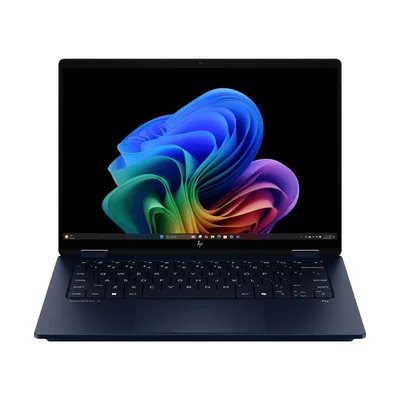
- Processor
- Intel Core Ultra 7 256V
- Memory
- 16 GB
- Storage
- 1 TB
- Screen
- 14"
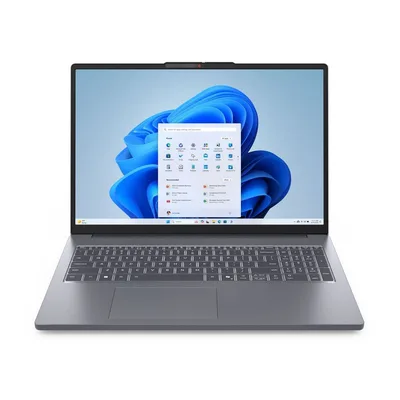
- Processor
- AMD Ryzen 7 7735HS
- Memory
- 16 GB
- Storage
- 512 GB
- Screen
- 16"
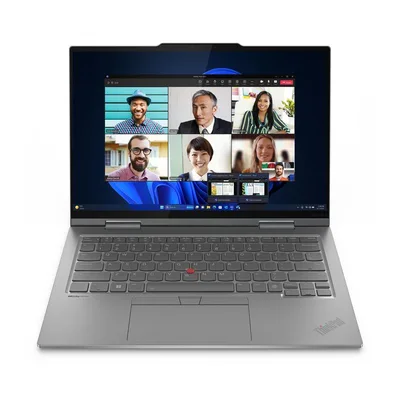
- Processor
- Intel Core Ultra 5 135U
- Memory
- 32 GB
- Storage
- 512 GB
- Screen
- 14"
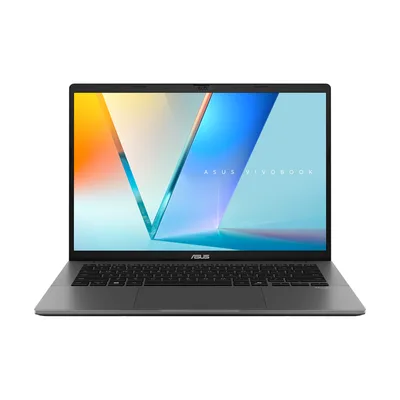
- Processor
- AMD Ryzen AI 7 445
- Memory
- 32 GB
- Storage
- 1 TB
- Screen
- 14"
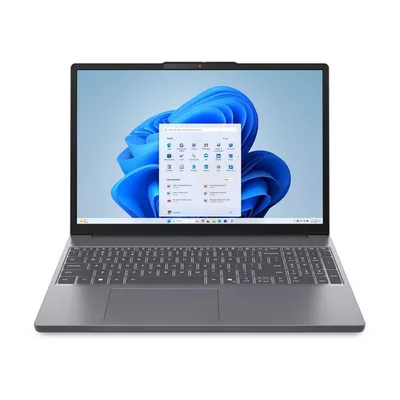
- Processor
- AMD Ryzen 7 7735HS
- Memory
- 16 GB
- Storage
- 512 GB
- Screen
- 15.3"
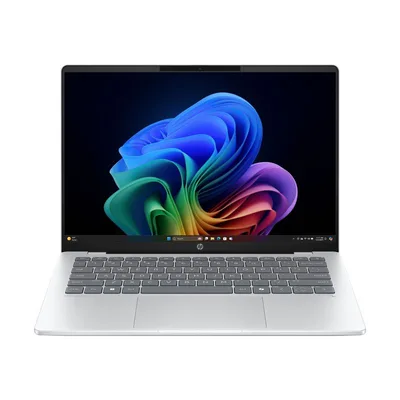
- Processor
- Snapdragon X
- Memory
- 16 GB
- Storage
- 512 GB
- Screen
- 14"
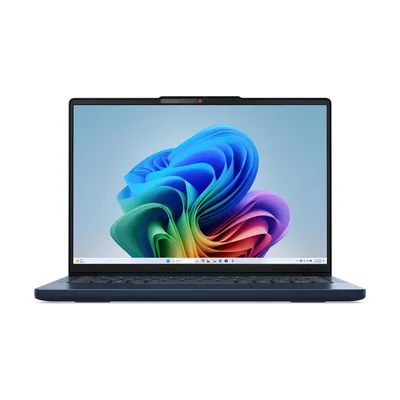
- Processor
- Intel Core Ultra 5 322
- Memory
- 16 GB
- Storage
- 512 GB
- Screen
- 14"
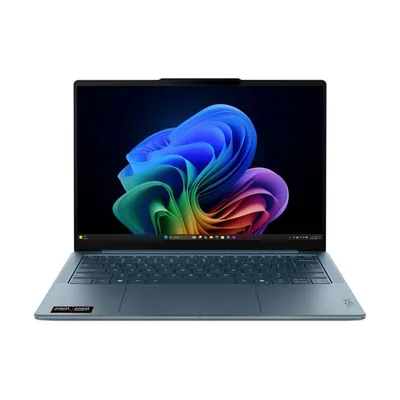
- Processor
- AMD Ryzen AI 5 340
- Memory
- 16 GB
- Storage
- 512 GB
- Screen
- 14"
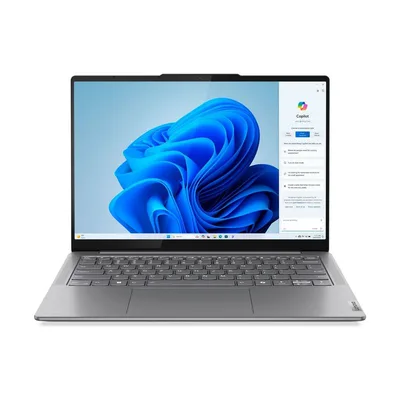
- Processor
- Intel Core Ultra 5 125H
- Memory
- 16 GB
- Storage
- 512 GB
- Screen
- 14"
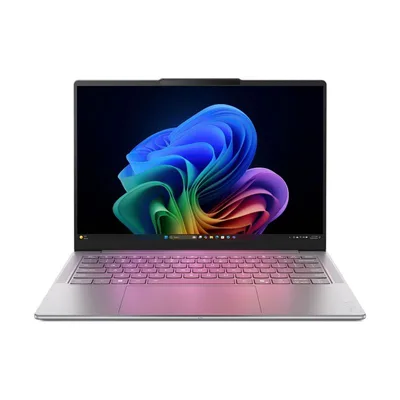
- Processor
- Intel Core Ultra 7 256V
- Memory
- 16 GB
- Storage
- 1 TB
- Screen
- 14"
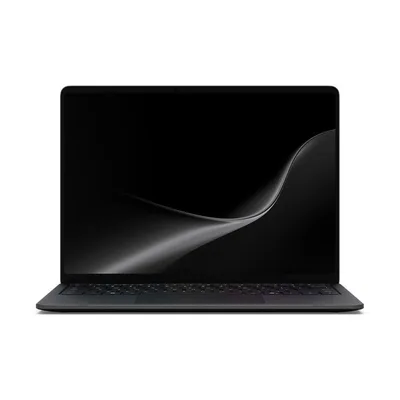
- Processor
- Snapdragon X2 Elite
- Memory
- 16 GB
- Storage
- 512 GB
- Screen
- 13.8"
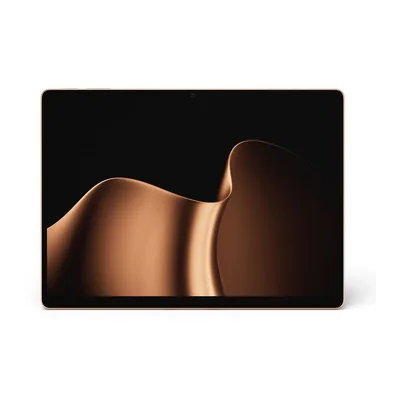
- Processor
- Snapdragon X2 Plus
- Memory
- 16 GB
- Storage
- 512 GB
- Screen
- 13"
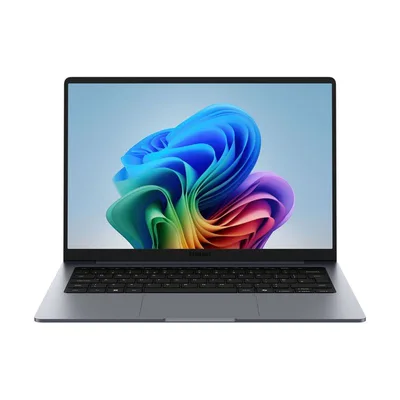
- Processor
- Intel Core Ultra 7 355
- Memory
- 16 GB
- Storage
- 512 GB
- Screen
- 14"
Choosing a laptop for university
A university laptop goes everywhere: lectures, the library, the train home. That’s why every pick here weighs under 1.6 kg and claims at least 10 hours of battery, so you’re not hunting for a socket by mid-afternoon.
Memory matters more than the processor badge for most degrees. 16 GB keeps dozens of tabs, Teams and a long essay open together, and it’s what stops a laptop feeling slow in third year.
Look at the keyboard and screen too. You’ll type thousands of words on this laptop, so a backlit keyboard and a bright, sharp screen are worth more than a faster chip you’ll never use.
If your course has specialist software, check it first. Engineering students should look at laptops for engineering students, and coders at computer science laptops.
Frequently asked questions
Mac or Windows for university?
Either works for most courses. Check your course handbook first: engineering, architecture and some science courses use Windows-only software, while music and media courses often lean towards Mac.
How much RAM do I need for university?
16 GB. It keeps the laptop quick with lots of browser tabs, Office and video calls open, and stays comfortable for a three or four year degree.
Is a Chromebook OK for university?
Only if your course runs entirely in a browser. Most degrees need at least one desktop app at some point, so a Windows laptop or MacBook is the safer choice.
Should I buy a laptop before starting uni?
Wait until you know your course's software requirements, and check your university's student discount partners. Late summer is also when back-to-uni deals appear.